
ROS 2 & Robot Software Architecture (Fundamentals) · Lesson 04
Topics & Publishers/Subscribers
Est. 45–60 min
Why
Why this lesson matters
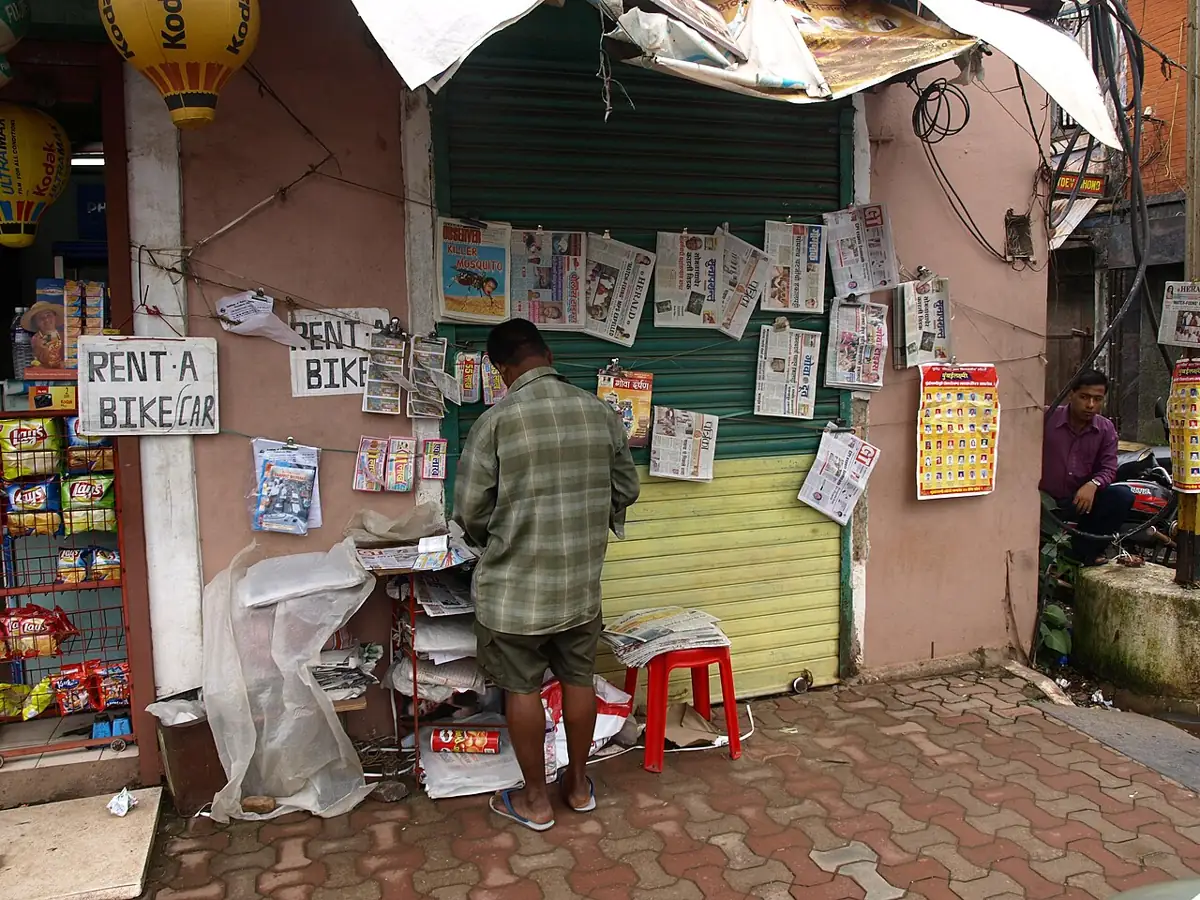
Think of the newspaper wala in your colony. Every morning the paper is printed once, and every house that subscribed gets the same copy. A new house can subscribe tomorrow without the press changing anything. If one house is on holiday, the others still get their paper. And if a house keeps only the latest paper on the doorstep, older ones are thrown away. A ROS 2 topic works the same way: publishers print, subscribers receive, and the topic name is the newspaper’s title.
By the end of this lesson you will be able to: explain the docs’ phrase “strongly-typed, anonymous publish/subscribe”; know when to use a topic (continuous streams) and when not; write a timer-driven publisher and a subscriber callback in rclpy; understand queue depth (“keep last N”) and why a slow subscriber sees fresh or stale data; and inspect live topics with ros2 topic list -t, echo, info -v, pub, hz and bw.

Concept
How topics, publishers and subscribers work
The official definition
The ROS 2 Jazzy docs call topics one of the three primary styles of interface (with services and actions) and say they should be used for continuous data streams, like sensor data and robot state. ROS 2 is described as a strongly-typed, anonymous publish/subscribe system. Let us take those words one by one.
| Word | What the docs mean | Newspaper picture |
|---|---|---|
| Publish/subscribe | Publishers and subscribers find each other through a common topic name. Any publisher and subscriber on the same name can talk. There may be zero or more of each, and every subscriber receives the data published. | One title, many readers; a paper can have zero readers and still be printed |
| Bus | The docs compare a topic to a device bus from electronics. Publishers and subscribers can come and go — e.g. ros2 bag record just adds another subscriber without disturbing the others. | A new house subscribes without the press noticing |
| Anonymous | A subscriber generally does not know or care which publisher sent a message, so publishers and subscribers can be swapped freely. | You read the paper, not the printing machine |
| Strongly-typed | Every field has a fixed type that is enforced, and core message types have fixed meanings (e.g. IMU angular velocity in rad/s). | Every edition has the same layout |
Shapes of communication
- One-to-many: one shoulder sensor → guard, dashboard and logger.
- Many-to-one: a stop panel and a guard both publish on
/estop_request; one safety node listens. - Many-to-many: several cameras and several perception nodes on a shared topic (less common — usually each camera gets its own name).
- The Jazzy “Understanding topics” tutorial shows exactly this with
ros2 topic info:/turtle1/cmd_velwith Publisher count: 1 and Subscription count: 2.
Publisher, timer, callback
In rclpy a publisher is made with create_publisher(MsgType, 'topic_name', 10). The official Python tutorial explains the 10 as the queue size. A timer (create_timer(period, callback)) decides how often you publish. A subscriber is made with create_subscription(MsgType, 'topic_name', callback, 10) — and every time a message arrives, ROS calls your callback with it. Nothing happens unless the node is spinning (rclpy.spin(node)).
Queue depth: “keep last N”
The QoS docs say that by default publishers and subscriptions use keep last history with a queue size of 10, reliable delivery and volatile durability. “Keep last 10” means: if a slow subscriber has 10 messages waiting and an 11th arrives, the oldest is dropped. For a sensor, losing old readings is usually fine — you want the newest one. The docs’ sensor data profile goes further and uses best-effort delivery with a smaller queue. You will study QoS fully in Lesson 14; here just remember: depth is how big the doorstep is.
Visual
Visualise it: publish and watch callbacks fire
Press publish and watch the message reach every subscriber on the same topic name.
Interactive · Topic pub/sub lab
ROS 2 communication simulator — educational only (not a live ROS 2 runtime)


Topic /joint_states · type sensor_msgs/msg/JointState
No samples yet — press Publish.
Waiting for messages…
Stream length: 0 · fan-out ×1
Code lab
Code lab: a toy bus, a real publisher and a real subscriber
topic_bus_sim.py is plain Python (no ROS needed). It models a topic bus: Part 1 fan-out to three subscribers, Part 2 publishing with zero subscribers, Part 3 two publishers into one subscriber, Part 4 a type mismatch on the same name, and Part 5 a 100 Hz sensor read by a 5 Hz dashboard with queue depths 1, 10 and 50. Run it with python3 topic_bus_sim.py.
"""topic_bus_sim.py - a toy publish/subscribe bus in plain Python (no ROS 2 needed).

It copies the ideas from the ROS 2 Jazzy "Topics" concept page:
  * publishers and subscribers meet only through a topic NAME and a message TYPE
  * zero or more publishers, zero or more subscribers per topic
  * every subscriber receives every message (fan-out); the subscriber does not care who sent it
  * "keep last N" history: a slow subscriber keeps only the newest N messages
This is a teaching model, not the real ROS 2 middleware.
"""
from collections import deque


class Bus:
    def __init__(self):
        self.topics = {}  # name -> {"type": str, "subs": [Subscription]}

    def _topic(self, name, msg_type):
        t = self.topics.setdefault(name, {"type": msg_type, "subs": []})
        if t["type"] != msg_type:
            raise TypeError(f"{name}: type {msg_type} does not match existing {t['type']}")
        return t

    def publisher(self, name, msg_type):
        self._topic(name, msg_type)
        return lambda msg: [s.deliver(msg) for s in self.topics[name]["subs"]]

    def subscribe(self, name, msg_type, label, depth=10):
        s = Subscription(label, depth)
        self._topic(name, msg_type)["subs"].append(s)
        return s


class Subscription:
    def __init__(self, label, depth):
        self.label, self.queue, self.dropped = label, deque(maxlen=depth), 0

    def deliver(self, msg):
        if len(self.queue) == self.queue.maxlen:
            self.dropped += 1  # oldest message is pushed out (keep last N)
        self.queue.append(msg)

    def take_all(self):
        out = list(self.queue)
        self.queue.clear()
        return out


print("Part 1: one publisher, three subscribers (fan-out)")
bus = Bus()
pub = bus.publisher("/arm1/shoulder_angle_deg", "std_msgs/Float64")
subs = [bus.subscribe("/arm1/shoulder_angle_deg", "std_msgs/Float64", n)
        for n in ("guard", "dashboard", "logger")]
for a in (30.0, 45.0, 60.0):
    pub(a)
for s in subs:
    print(f"  {s.label:9s} got {s.take_all()}")

print("\nPart 2: zero subscribers - publishing is allowed, the data just goes nowhere")
lonely = bus.publisher("/arm1/debug_text", "std_msgs/String")
lonely("hello?")
print("  subscribers on /arm1/debug_text:", len(bus.topics["/arm1/debug_text"]["subs"]))

print("\nPart 3: two publishers, one subscriber (many-to-one, anonymous)")
estop = bus.subscribe("/estop_request", "std_msgs/Bool", "safety_relay")
panel = bus.publisher("/estop_request", "std_msgs/Bool")
guard = bus.publisher("/estop_request", "std_msgs/Bool")
panel(True)
guard(True)
print("  safety_relay got", estop.take_all(), "- it cannot tell which publisher sent which")

print("\nPart 4: wrong type on the same name (real ROS 2: they simply never connect; this toy refuses)")
try:
    bus.publisher("/arm1/shoulder_angle_deg", "std_msgs/String")
except TypeError as e:
    print("  TypeError:", e)

print("\nPart 5: fast sensor (100 Hz) vs slow dashboard (5 Hz), keep last N")
for depth in (1, 10, 50):
    b = Bus()
    p = b.publisher("joint", "std_msgs/Float64")
    dash = b.subscribe("joint", "std_msgs/Float64", "dash", depth=depth)
    seen = 0
    for tick in range(100):           # 1 second at 100 Hz
        p(float(tick))
        if tick % 20 == 19:           # dashboard wakes every 0.2 s
            batch = dash.take_all()
            seen += len(batch)
            newest = batch[-1]
    print(f"  depth={depth:2d}: dashboard handled {seen:3d} msgs, dropped {dash.dropped:3d}, newest seen {newest}")
print("  -> small depth = always fresh, loses history; big depth = keeps history, more work per wake-up")
Output (run with python3 topic_bus_sim.py)
Part 1: one publisher, three subscribers (fan-out)
  guard     got [30.0, 45.0, 60.0]
  dashboard got [30.0, 45.0, 60.0]
  logger    got [30.0, 45.0, 60.0]

Part 2: zero subscribers - publishing is allowed, the data just goes nowhere
  subscribers on /arm1/debug_text: 0

Part 3: two publishers, one subscriber (many-to-one, anonymous)
  safety_relay got [True, True] - it cannot tell which publisher sent which

Part 4: wrong type on the same name (real ROS 2: they simply never connect; this toy refuses)
  TypeError: /arm1/shoulder_angle_deg: type std_msgs/String does not match existing std_msgs/Float64

Part 5: fast sensor (100 Hz) vs slow dashboard (5 Hz), keep last N
  depth= 1: dashboard handled   5 msgs, dropped  95, newest seen 99.0
  depth=10: dashboard handled  50 msgs, dropped  50, newest seen 99.0
  depth=50: dashboard handled 100 msgs, dropped   0, newest seen 99.0
  -> small depth = always fresh, loses history; big depth = keeps history, more work per wake-up
Try it: press publish, add a second subscriber, and watch each subscriber’s callback fire for the same message.
Interactive · Topic pub/sub lab
ROS 2 communication simulator — educational only (not a live ROS 2 runtime)
Topic /joint_states · type sensor_msgs/msg/JointState
No samples yet — press Publish.
Waiting for messages…
Stream length: 0 · fan-out ×1
A real publisher: two joints from a timer
two_joint_publisher.py is an rclpy node for ROS 2 Jazzy in the style of the official Python publisher tutorial. A timer fires at rate_hz (default 20) and publishes std_msgs/msg/Float64 on two relative topics, shoulder_angle_deg and elbow_angle_deg. By default it makes a fake sweep; with -p port:=/dev/ttyACM0 it reads the Arduino below. A broken serial line is skipped, never published as junk.
"""two_joint_publisher.py - rclpy (ROS 2 Jazzy) publisher for two arm joints.

Publishes std_msgs/Float64 on two RELATIVE topics at a fixed rate from a timer:
  shoulder_angle_deg, elbow_angle_deg
Source is a fake sweep by default, or the Arduino sketch two_pot_stream.ino over serial.
Pattern follows the Jazzy "Writing a simple publisher and subscriber (Python)" tutorial.

  python3 two_joint_publisher.py --ros-args -r __ns:=/arm1 -p rate_hz:=20.0
  python3 two_joint_publisher.py --ros-args -r __ns:=/arm1 -p port:=/dev/ttyACM0
"""
import math

import rclpy
from rclpy.node import Node
from std_msgs.msg import Float64


class TwoJointPublisher(Node):
    def __init__(self):
        super().__init__('joint_pub')
        self.declare_parameter('rate_hz', 20.0)
        self.declare_parameter('port', '')          # empty = fake sweep
        self.declare_parameter('baud', 115200)
        rate = float(self.get_parameter('rate_hz').value)
        port = self.get_parameter('port').value

        # queue depth 10 = the default "keep last 10" history from the docs
        self.pub_shoulder = self.create_publisher(Float64, 'shoulder_angle_deg', 10)
        self.pub_elbow = self.create_publisher(Float64, 'elbow_angle_deg', 10)

        self.serial = None
        if port:
            import serial  # pyserial
            self.serial = serial.Serial(port, int(self.get_parameter('baud').value), timeout=0.05)
        self.t = 0.0
        self.dt = 1.0 / rate
        self.timer = self.create_timer(self.dt, self.tick)
        self.get_logger().info(f'publishing 2 joints at {rate:.1f} Hz from {"serial " + port if port else "fake sweep"}')

    def read_angles(self):
        if self.serial is None:
            self.t += self.dt
            return 90.0 + 40.0 * math.sin(self.t), 90.0 + 30.0 * math.sin(0.5 * self.t)
        line = self.serial.readline().decode(errors='ignore').strip()  # "s:93.2,e:71.0"
        try:
            parts = dict(p.split(':') for p in line.split(','))
            return float(parts['s']), float(parts['e'])
        except (ValueError, KeyError):
            return None

    def tick(self):
        angles = self.read_angles()
        if angles is None:
            return  # skip a broken line instead of publishing junk
        s, e = angles
        self.pub_shoulder.publish(Float64(data=s))
        self.pub_elbow.publish(Float64(data=e))


def main():
    rclpy.init()
    node = TwoJointPublisher()
    try:
        rclpy.spin(node)
    except KeyboardInterrupt:
        pass
    finally:
        node.destroy_node()
        rclpy.try_shutdown()


if __name__ == '__main__':
    main()
A real subscriber with a short callback
elbow_listener.py subscribes to elbow_angle_deg. Its callback only updates a counter and min/max — callbacks should be short. A 2-second timer reports messages per second, and warns if nothing arrived (the most common cause: publisher in a different namespace).
"""elbow_listener.py - rclpy (ROS 2 Jazzy) subscriber with a callback.

Subscribes to the RELATIVE topic elbow_angle_deg, keeps a running min/max,
and every 2 s logs how many messages arrived (a home-made "ros2 topic hz").

  python3 elbow_listener.py --ros-args -r __ns:=/arm1
"""
import rclpy
from rclpy.node import Node
from std_msgs.msg import Float64


class ElbowListener(Node):
    def __init__(self):
        super().__init__('elbow_listener')
        self.count = 0
        self.lo, self.hi = float('inf'), float('-inf')
        self.sub = self.create_subscription(Float64, 'elbow_angle_deg', self.on_angle, 10)
        self.report = self.create_timer(2.0, self.on_report)

    def on_angle(self, msg):
        # keep callbacks short: no sleeping, no long loops
        self.count += 1
        self.lo = min(self.lo, msg.data)
        self.hi = max(self.hi, msg.data)

    def on_report(self):
        if self.count == 0:
            self.get_logger().warn('no elbow data in the last 2 s - is the publisher running in my namespace?')
            return
        self.get_logger().info(f'{self.count / 2.0:.1f} msg/s, elbow range {self.lo:.1f}..{self.hi:.1f} deg')
        self.count = 0


def main():
    rclpy.init()
    node = ElbowListener()
    try:
        rclpy.spin(node)
    except KeyboardInterrupt:
        pass
    finally:
        node.destroy_node()
        rclpy.try_shutdown()


if __name__ == '__main__':
main()# terminal 1 and 2
python3 two_joint_publisher.py --ros-args -r __ns:=/arm1
python3 elbow_listener.py --ros-args -r __ns:=/arm1
# terminal 3
ros2 topic list -t # names with [types]
ros2 topic echo /arm1/elbow_angle_deg
ros2 topic info /arm1/elbow_angle_deg --verbose # counts, node names, QoS
ros2 topic hz /arm1/shoulder_angle_deg # should be close to 20
ros2 topic bw /arm1/shoulder_angle_deg # bandwidth
# publish by hand (YAML), once, waiting for 1 subscriber
ros2 topic pub --once -w 1 /arm1/elbow_angle_deg std_msgs/msg/Float64 "{data: 200.0}"The tutorial notes that ros2 topic hz reports the rate seen by its own subscription, which can be affected by computer load and QoS, so it may not exactly match the publisher’s rate. Also notice ros2 topic echo itself appears as a new node (named like /_ros2cli_…) — proof that the bus just gained another subscriber.
Real world
Topics in the real world
- turtlesim (official tutorial):
/teleop_turtlepublishesgeometry_msgs/msg/Twiston/turtle1/cmd_vel;/turtlesimsubscribes and moves the turtle, and publishes/turtle1/poseback. - A 6DOF arm: joint angles, camera images, the planned trajectory and a status string all flow as topics, each with one clear type.
- Data recording:
ros2 bag recordis “just another subscriber”, so you can log a test run without changing a single node. - Swappable parts: because topics are anonymous, a real encoder driver can replace a fake sweep node — same topic name and type, no subscriber changes.
Bench build
Bench build: two knobs as two joint topics
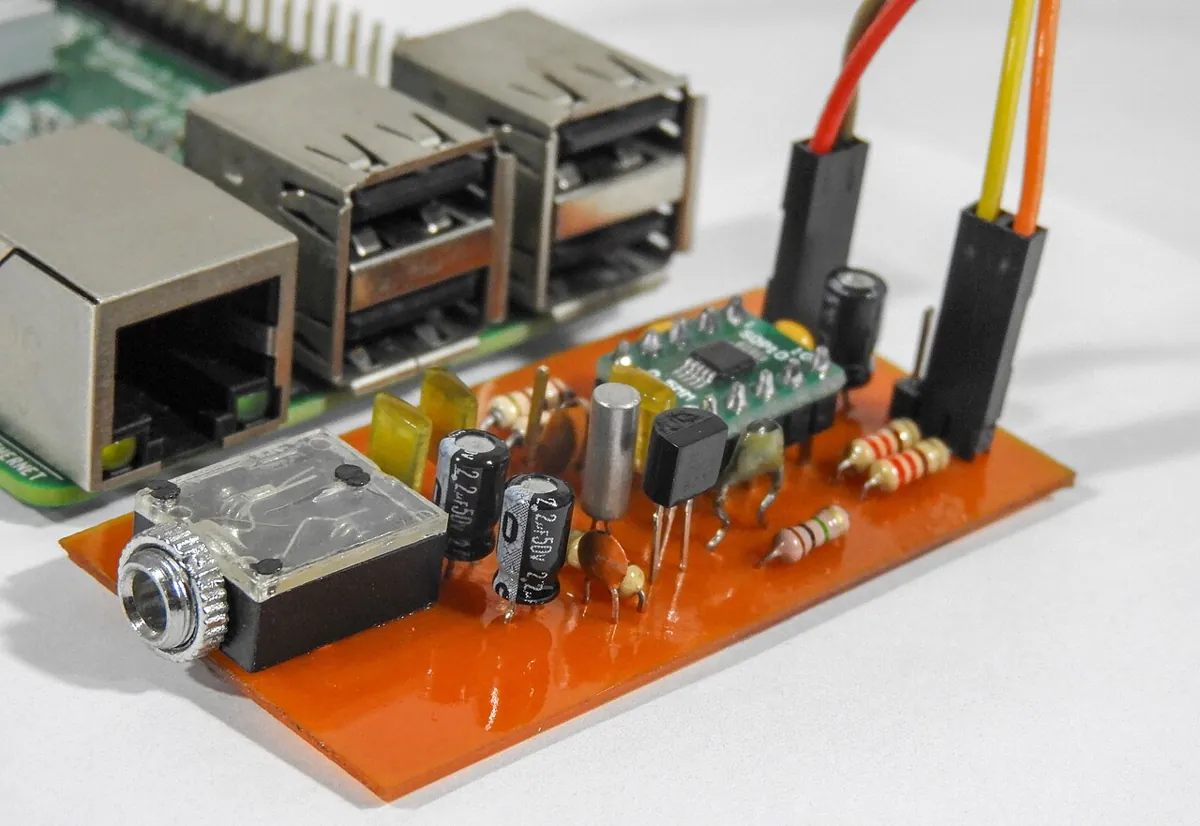
Two 10 kΩ potentiometers stand in for the shoulder and elbow encoders. The Arduino UNO samples both at 20 Hz and prints s:93.2,e:71.0. two_joint_publisher.py turns each line into two topics. Last lesson’s guard can now watch the shoulder while the new listener watches the elbow. This build drives no motors.
| From | To | Note |
|---|---|---|
| Pot 1 outer legs | Arduino 5V and GND | Shoulder knob |
| Pot 1 middle leg (wiper) | Arduino A0 | 0–1023 → 0–180° |
| Pot 2 outer legs | Arduino 5V and GND | Elbow knob |
| Pot 2 middle leg (wiper) | Arduino A1 | 0–1023 → 0–180° |
| Arduino USB | Computer running ROS 2 | 115200 baud, port like /dev/ttyACM0 |
// two_pot_stream.ino - stream two potentiometer "joint angles" at 20 Hz.
// Output lines look like:  s:93.2,e:71.0
// Read by two_joint_publisher.py (-p port:=/dev/ttyACM0). Drives NO motors.
// Wiring: each 10k pot - outer legs to 5V and GND, middle (wiper) to A0 (shoulder) / A1 (elbow).

const unsigned long PERIOD_MS = 50;  // 20 Hz
unsigned long last = 0;

float toDeg(int raw) { return raw * (180.0 / 1023.0); }

void setup() {
  Serial.begin(115200);
}

void loop() {
  unsigned long now = millis();
  if (now - last < PERIOD_MS) return;
  last = now;
  float s = toDeg(analogRead(A0));
  float e = toDeg(analogRead(A1));
  Serial.print("s:");
  Serial.print(s, 1);
  Serial.print(",e:");
  Serial.println(e, 1);
}Test the board alone
Open Serial Monitor at 115200. Turn each knob and watch
s:ande:change between 0 and 180.Close Serial Monitor
Only one program can open the port. Forgetting this is the number-one reason the publisher fails to start.
Publish
Run
python3 two_joint_publisher.py --ros-args -r __ns:=/arm1 -p port:=/dev/ttyACM0.Subscribe three ways
Run
elbow_listener.py, Lesson 3’sjoint_guard_node.pyandros2 topic echo— all in/arm1. Turn the knobs and watch three readers get the same data.
Debugging
Debugging topics
| Symptom | Likely cause | Fix |
|---|---|---|
| Subscriber callback never runs | Different namespace or name (/elbow_angle_deg vs /arm1/elbow_angle_deg) | ros2 topic list and compare full names; start both with the same __ns |
| Topic exists but nothing connects | Same name, different message type | ros2 topic list -t / ros2 topic info -v and fix the type |
| Callback runs but node seems frozen | Forgot rclpy.spin(node), or a long sleep inside a callback | Spin the node; keep callbacks short, use timers for periodic work |
| Dashboard lags behind reality | Large queue + slow subscriber handles old messages | Smaller depth, or only draw the newest value |
ros2 topic hz shows less than expected | Publisher timer too slow, serial line broken, or computer busy | Check rate_hz, the Arduino PERIOD_MS and CPU load |
ros2 topic pub prints “Waiting for at least 1 matching subscription(s)…” forever | No subscriber on that exact name | Check the name; or drop -w |
Think
Think about it
Think
The guard (Lesson 3) and the new dashboard both need the shoulder angle. Arjun suggests the sensor node should send the angle to the guard, and the guard should forward it to the dashboard. Why is that worse than both subscribing to the topic?
Experiment
Try it in the lab
About 40 minutes with Python and the simulator; the ROS 2 steps need a computer with ROS 2 Jazzy.
Experiment
Fan-out, queue depth and live inspection
You will need
- `topic_bus_sim.py` and Python 3
- ROS 2 pub/sub simulator (in your browser)
- Optional: ROS 2 Jazzy, `two_joint_publisher.py`, `elbow_listener.py`, Arduino UNO, two 10 kΩ pots, jumper wires
Steps
- Run `topic_bus_sim.py`. In Part 5, change the dashboard to wake every 50 ticks instead of 20. Predict the “dropped” numbers for depth 1, 10 and 50, then check.
- Add a fourth subscriber `recorder` in Part 1 with depth 2, and publish 5 angles. Which ones does it keep?
- In the simulator, publish five messages with two subscribers, then remove one subscriber and publish again.
- With ROS 2: run the publisher at `-p rate_hz:=5.0`, then `20.0`, then `50.0`, and note `ros2 topic hz` each time.
- With ROS 2: run `ros2 topic info /arm1/elbow_angle_deg --verbose` and write down the reliability, history and depth shown.
- With ROS 2: publish `{data: 200.0}` by hand with `ros2 topic pub --once`. Did the listener’s range jump? What does that tell you about trusting topic data?
Interactive · Topic pub/sub lab
ROS 2 communication simulator — educational only (not a live ROS 2 runtime)
Topic /joint_states · type sensor_msgs/msg/JointState
No samples yet — press Publish.
Waiting for messages…
Stream length: 0 · fan-out ×1
A topic does not care how many readers it has or who writes to it. Rate is set by the publisher’s timer; freshness for each reader is set by its queue depth and how fast its callback runs. Anyone — including you from the terminal — can publish, so safety-critical nodes must check values, not trust them.
Knowledge check
Check your understanding
Knowledge check
1. The docs say topics should be used for…
2. “Anonymous” publish/subscribe means…
3. How many subscribers can a topic have?
4. In `create_publisher(Float64, 'elbow_angle_deg', 10)`, the 10 is…
5. By default, ROS 2 publishers and subscriptions use…
6. Which command shows each topic with its message type?
7. A subscriber’s callback sleeps for 1 s each time. What is the likely result?
Mini assignment
Hands-on assignment
Mini assignment
Topic map for your 6DOF arm
Design every continuous data stream of your arm as a topic, then prove one-to-many works on the bench.
Deliverables
- A table of 8–12 topics: full name in `/arm1`, message type, publisher node, subscriber nodes, rate (Hz), suggested depth with one-line reason.
- Mark which items should **not** be topics (and whether they are services or actions instead).
- Output of `topic_bus_sim.py` after your experiment changes.
- Optional (ROS 2): output of `ros2 topic list -t`, `ros2 topic info -v` and `ros2 topic hz` for your two joint topics.
- Optional (bench): a short video of turning both knobs while `elbow_listener.py` and `ros2 topic echo` update together.
Do this, step by step
- Run
python3 topic_bus_sim.pyand do the Part 5 change (dashboard every 50 ticks); write your predictions before running. - Make a table of 8–12 topics for
/arm1: name, type, publisher, subscribers, rate, depth and reason. - Mark the items that should be a service or an action instead of a topic.
- Add the
recordersubscriber with depth 2 and note which messages it keeps. - Optional with ROS 2: save
ros2 topic list -t,ros2 topic info -vandros2 topic hzfor your two joint topics.
Stuck? Hints, one at a time
- With history depth N, a slow subscriber keeps only the newest N messages — older ones are dropped.
- Ask “is this a stream, a quick question, or a long job?” — stream = topic, question = service, long job = action.
- Sensor streams usually want small depth (1–10); missing one old angle is better than acting on stale data.
Challenges (pick by level)
- 🟢 Easy: Run turtlesim and
turtle_teleop_keyas in the official tutorial, and find the publisher and subscription counts of/turtle1/cmd_velwithros2 topic info. - 🟢 Easy: Make the turtle drive in a circle with
ros2 topic pub --rate 1and a Twist message. - 🟡 Medium: Add a third joint (wrist on A2) to the sketch and the publisher.
- 🟠 Hard-ish: Write a
shoulder_filternode that subscribes toshoulder_angle_deg, applies a moving average of 5 samples, and publishesshoulder_angle_filtered_deg. Compare both withros2 topic echo. - 🔴 Hard: Make
elbow_listener.pyignore values outside 0–180° and count them as “rejected”. Test it withros2 topic pub --once. - ⚫ Research: Read the QoS docs section on compatibility. Explain why a best-effort publisher and a reliable subscriber do not connect.
Next step
Your topics so far carry a single number. Real robots send richer data — joint names with positions, poses, images. In Lesson 5 — Messages & Data Types you will read message definitions, use standard types like sensor_msgs/msg/JointState, and design your own.
Look back: Lesson 3: Nodes — The Building Blocks. Next: Lesson 5: Messages & Data Types. Related: Stage 4 — Electronics & Embedded Systems.
Sources
- ROS 2 Jazzy docs — Topics — continuous data streams, strongly-typed anonymous publish/subscribe, zero or more publishers/subscribers, bus,
ros2 bag recordas a subscriber. - ROS 2 Jazzy docs — Understanding topics (tutorial) —
ros2 topic list -t,echo,info --verbose,pub(--once,-w,--rate),hz,bw, turtlesim/turtle1/cmd_vel. - ROS 2 Jazzy docs — Writing a simple publisher and subscriber (Python) —
create_publisher(..., 10)queue size,create_timer,create_subscriptionwith a callback,rclpy.spin. - ROS 2 Jazzy docs — Quality of Service settings — default keep last 10 / reliable / volatile, sensor data profile, request-vs-offered compatibility.
- Docs text read from the official docs source ros2/ros2_documentation (jazzy branch).
- Photos: Wikimedia Commons (credits under each image).
Self-attested for now — keep artifacts in your lab notebook.
Complete
Today's goal
0 of 1 done today
Mark this lesson complete when you have worked the experiment, knowledge check, and assignment (even roughly).