
Math for Robotics · Lesson 12
Capstone: Locate & Move a Robot
Est. 40–55 min
Why
Why the whole stage was building to one worksheet
Concept
The big idea: locate → transform → move
- Locate: measure object pose in {camera} (or another sensor frame).
- Transform: map that pose into {base} using the camera extrinsics H_base_camera.
- Move: compute a Cartesian delta (or run IK) and command the arm with limits.
- Always sanity-check units, frames, and reach before the real motion.
How it works
How it actually works, step by step
Locate
Object at p_C in {camera}. Write units and frame on the page.
Transform
p_B = R_BC · p_C + t_BC (or apply H_base_camera).
Compare to current tip
Δ = p_B − tip_B. Check |Δ| is reachable and collision-free on paper.
Move
Command a guarded motion. In hardware: slow speed, watchdogs, E-stop ready.
Visual
Visualise it: think in poses before you command motors
Use the pose demo to imagine current tip vs target. Mentally run locate → transform → move before any real command.
Interactive · Robot pose / transformation demo
Tip (x, y)
(152.1, 75.4)
Tip yaw
-5.0°
Simplification: planar 2R arm. Each joint adds a rotation; tip pose is the product of link transforms — the same idea as homogeneous chains on a 6DOF arm.
Worked example
Worked example: camera → base → delta
Code lab
Code lab: locate → transform → delta
"""Stage 1 L12 — locate object in camera frame, map to base, plan a move."""
import math

# Object seen by camera at (0.05, 0.02) m in {camera}
p_C = (0.05, 0.02)
# Camera pose in {base}: 20 cm forward, 10 cm up-ish (planar y), rotated -90° so camera looks along base +x
# Simplified planar: θ_BC = -90°, t = (0.20, 0.10)
th = math.radians(-90)
c, s = math.cos(th), math.sin(th)
tx, ty = 0.20, 0.10

px_B = c * p_C[0] - s * p_C[1] + tx
py_B = s * p_C[0] + c * p_C[1] + ty

# Current tip in base
tip = (0.18, 0.05)
dx, dy = px_B - tip[0], py_B - tip[1]

print("Object in {{camera}}: ({:.3f}, {:.3f}) m".format(*p_C))
print("Object in {{base}}:   ({:.3f}, {:.3f}) m".format(px_B, py_B))
print("Current tip in base: ({:.3f}, {:.3f}) m".format(*tip))
print("Move needed (Δx, Δy): ({:.3f}, {:.3f}) m".format(dx, dy))
print("Distance to object:   {:.3f} m".format(math.hypot(dx, dy)))
print()
print("Lab habit: locate → transform into the frame you control → then move.")
Expected output
Object in {camera}: (0.050, 0.020) m
Object in {base}:   (0.220, 0.050) m
Current tip in base: (0.180, 0.050) m
Move needed (Δx, Δy): (0.040, 0.000) m
Distance to object:   0.040 m

Lab habit: locate → transform into the frame you control → then move.Real world
Inspection and pick habits
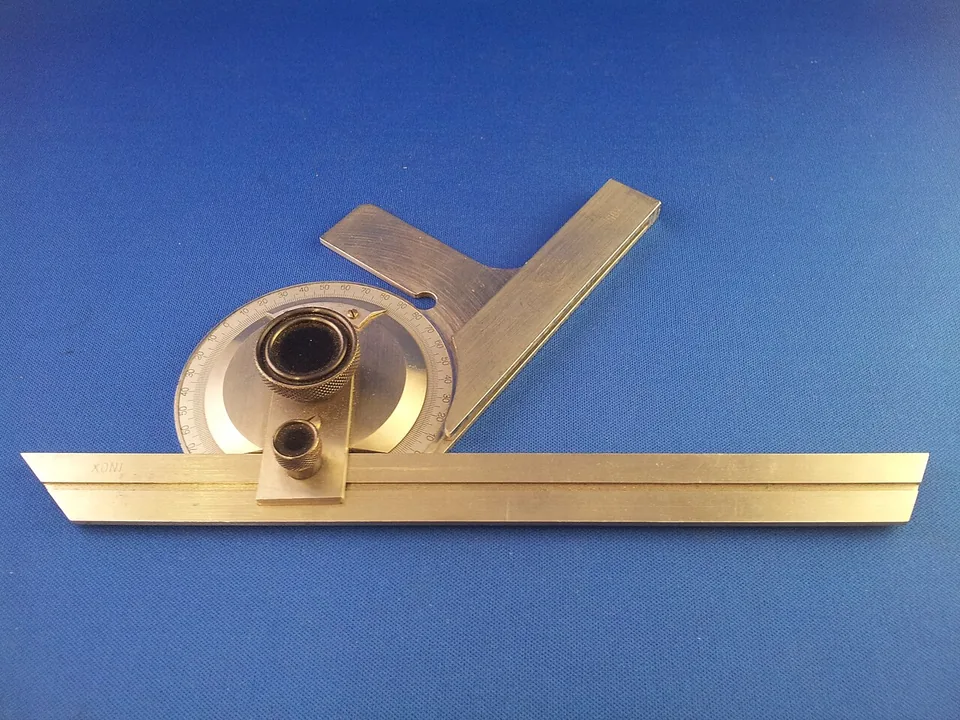
- Vision-guided pick: detect in image → camera frame → base → grasp pose
- Inspection: probe in tool frame → report in part frame
Mistakes
Common mistakes and confusions
Hardware & safety
Hardware lab and safety notes
Make the capstone physical with a phone as the camera and your graph-paper desk: photograph an object, read its position in the photo frame, transform it to the desk frame, then move a pen (or the paper arm) there.
- Fix the phone on a stand looking straight down; mark where the photo's corner falls on the desk — that is t_BC.
- Note how the photo's x/y axes line up with the desk axes (often a 90° turn) — that is R_BC.
- Measure the object in the photo (cm, using the graph paper squares), transform, then check with a ruler.
Debugging
Debugging: when it doesn’t work
| Symptom | Likely cause | Fix |
|---|---|---|
| Arm moves to a mirrored spot | Camera axes rotated the other way | Check R_BC with one known point first |
| Object off by the camera offset | Forgot t_BC or used it in the wrong frame | p_B = R_BC·p_C + t_BC |
| Δ is huge | Camera in mm, base in m | Convert at the input |
| Target unreachable | No reach check | Warn if |Δ| or |p_B| exceeds reach |
Think
Think about it
Think
List the three verbs of this capstone and one thing that can go wrong in each.
Experiment
Try it in the lab: full worksheet
Experiment
Full worksheet
You will need
- capstone_locate.py
- Notebook
- Optional: cardboard “camera” and “base” frames
Steps
- Run the script; copy the printed base coordinates and delta.
- Change p_C to (0.00, 0.05) and recompute by hand using the same extrinsics.
- Write a 5-line safety checklist before any future real motion.
Interactive · Robot pose / transformation demo
Tip (x, y)
(152.1, 75.4)
Tip yaw
-5.0°
Simplification: planar 2R arm. Each joint adds a rotation; tip pose is the product of link transforms — the same idea as homogeneous chains on a 6DOF arm.
| Check | OK? |
|---|---|
| Frames named on the page | |
| Units consistent (m) | |
| |Δ| within reach estimate | |
| Speed / limits decided | |
| E-stop / supervision ready |
Knowledge check
Check your understanding
Knowledge check
1. Capstone order is…
2. Camera extrinsics help you…
3. Before commanding motion you should…
4. Δ = p_B − tip_B is…
5. Camera sees the object at (0.05, 0.02) m. The camera is turned −90° and sits at t = (0.20, 0.10) m in {base}. Where is the object in {base}?
Practice quiz
Mini assignment
Hands-on assignment
Mini assignment
Locate & move report
Write a one-page report: invent a camera measurement, state extrinsics, compute base pose and Δ, list five safety checks. No fake product claims — worksheet only.
Deliverables
- One-page report
- Numeric working
- Safety checklist
Do this, step by step
- Run
capstone_locate.pyand copy p_B and Δ. - Change p_C to (0.00, 0.05) and compute p_B by hand with the same extrinsics.
- Add a reach check that prints a warning if |Δ| > 0.15 m.
- Write the one-page report with five safety checks.
Stuck? Hints, one at a time
- Hint 1: R(−90°) = [[0, 1], [−1, 0]], so R·(0.00, 0.05) = (0.05, 0.00).
- Hint 2: p_B = (0.05 + 0.20, 0.00 + 0.10) = (0.25, 0.10) m.
- Hint 3:
if math.hypot(dx, dy) > 0.15: print("WARNING: outside toy workspace")
Challenges (pick by level)
- 🟢 Easy: Change t_BC and re-run. Which numbers change?
- 🟡 Medium: Read two objects from one photo and compute the Δ between them in {base}.
- 🟠 Hard: Use the paper arm + Lesson 11 IK to find q1, q2 that reach p_B.
Next step
Stage 1 done! Next, Stage 2 — Programming & Python turns these worksheets into clean programs. Related: camera extrinsics in Stage 11 — Computer Vision and FK/IK in Stage 8.
Sources
- Wikipedia — Camera resectioning (camera extrinsics)
- Wikipedia — Rigid transformation
- Wikipedia — Industrial robot (workspace and safety)
- Wikipedia — Kill switch (emergency stop)
- Photos: Wikimedia Commons (credits under each image).
Self-attested for now — keep artifacts in your lab notebook.
Complete
Today's goal
0 of 1 done today
Mark this lesson complete when you have worked the experiment, knowledge check, and assignment (even roughly).